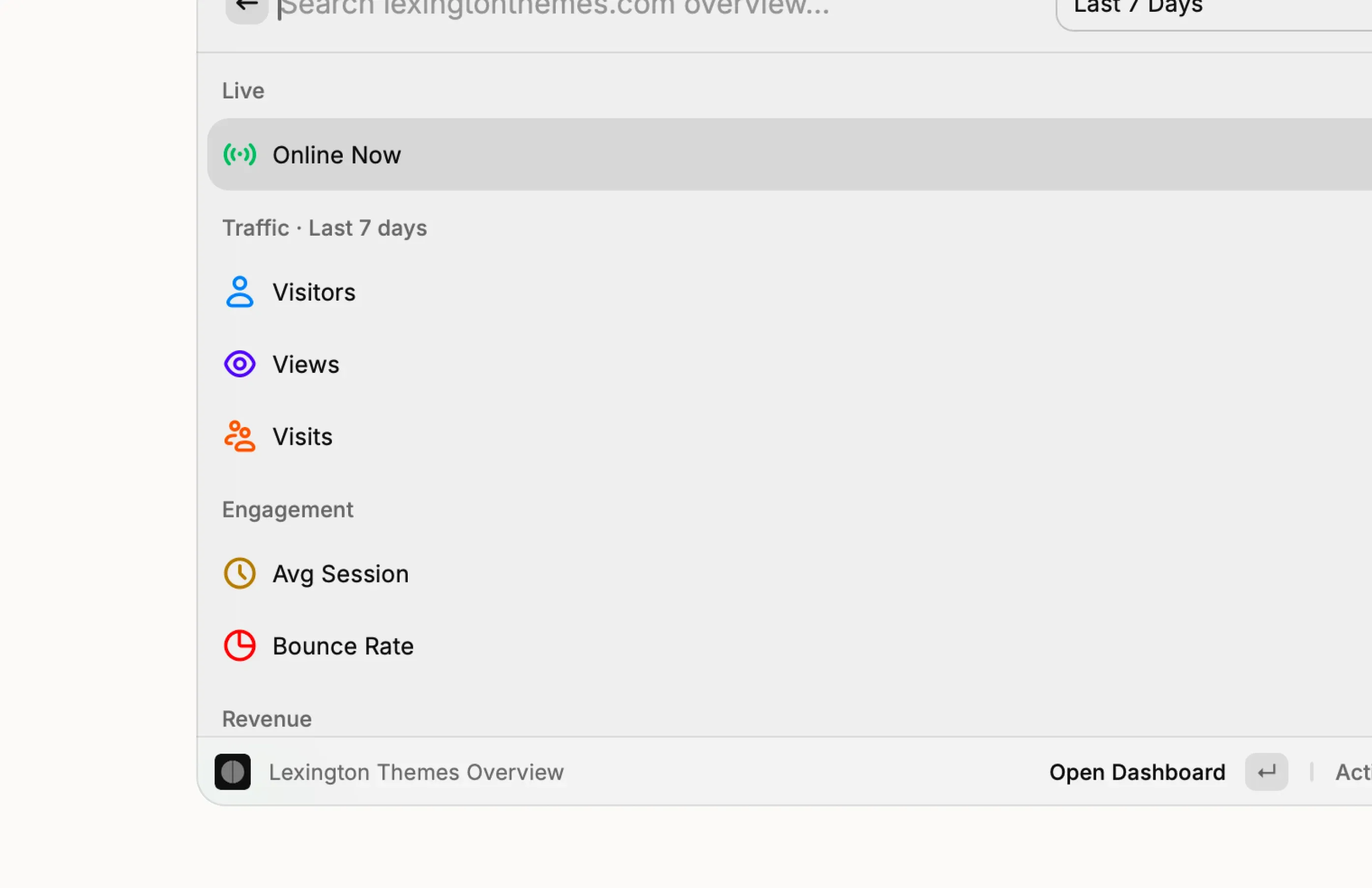
Kobbe for Raycast
Inspect Kobbe analytics from Raycast on macOS and Windows. Search for Kobbe in Raycast to install it.
Commands
- Live Visitors. Visitor count in the menu bar, across all your sites.
- Search Sites. List sites and open the dashboard.
- Site Overview. Live traffic, engagement, revenue, top pages, and top sources, with a range switcher.
- Top Pages. Highest-traffic pages for a site.
- Top Sources. Where traffic comes from.
- Revenue. Revenue totals with page and source context.
- Setup Health. Tracker installation and revenue webhook status.
Setup
- Open Kobbe → Agent access
- Create a token named
Raycast - Enable Read sites, Read analytics, and Read revenue
- Copy the token (starts with
kbpat) - Open a Kobbe command in Raycast and set:
- API Token. Your
kbpattoken. - Kobbe Base URL.
https://app.kobbe.io - Default Range. Last 7 days, or whatever you prefer.
- API Token. Your