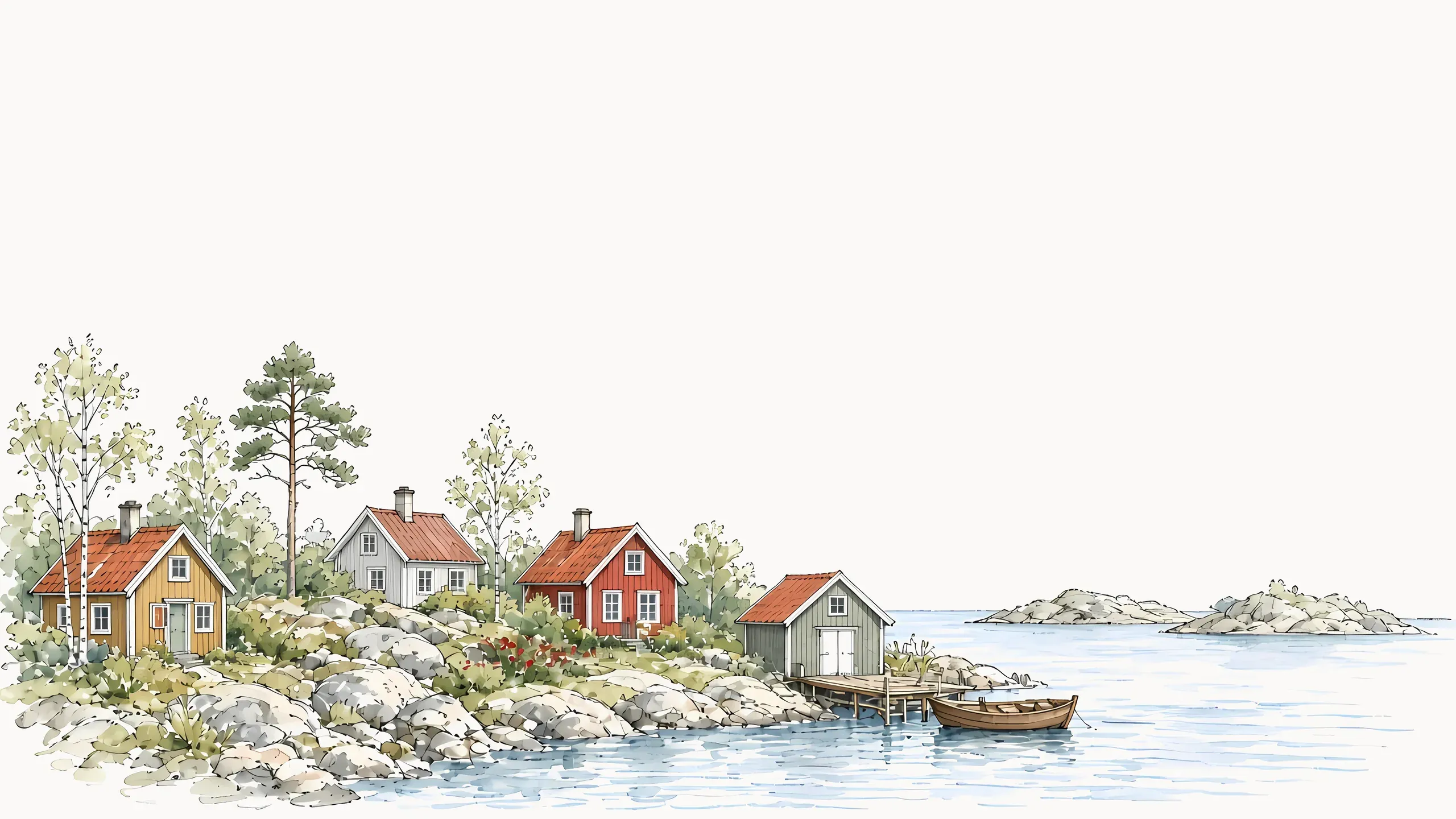
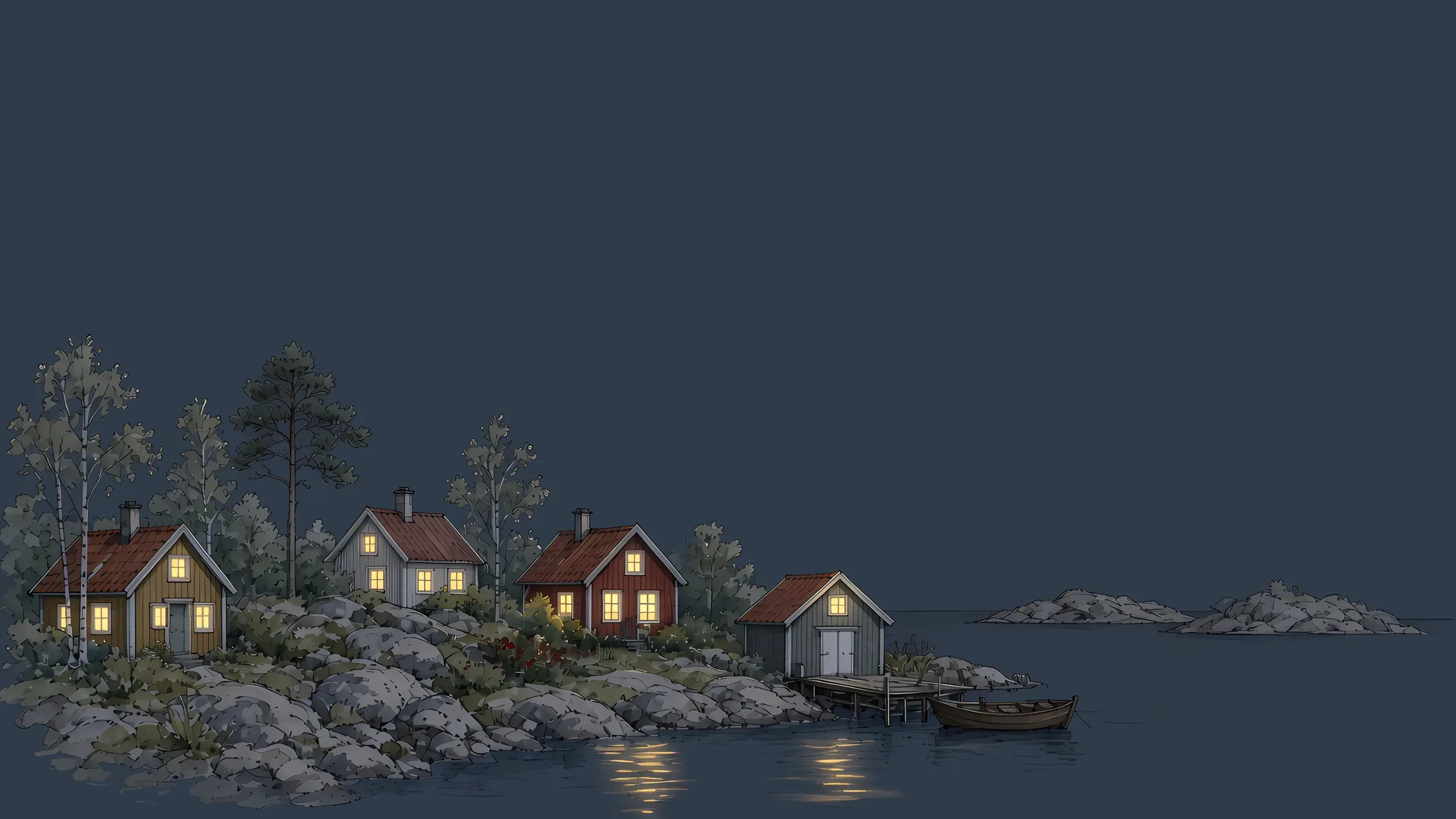
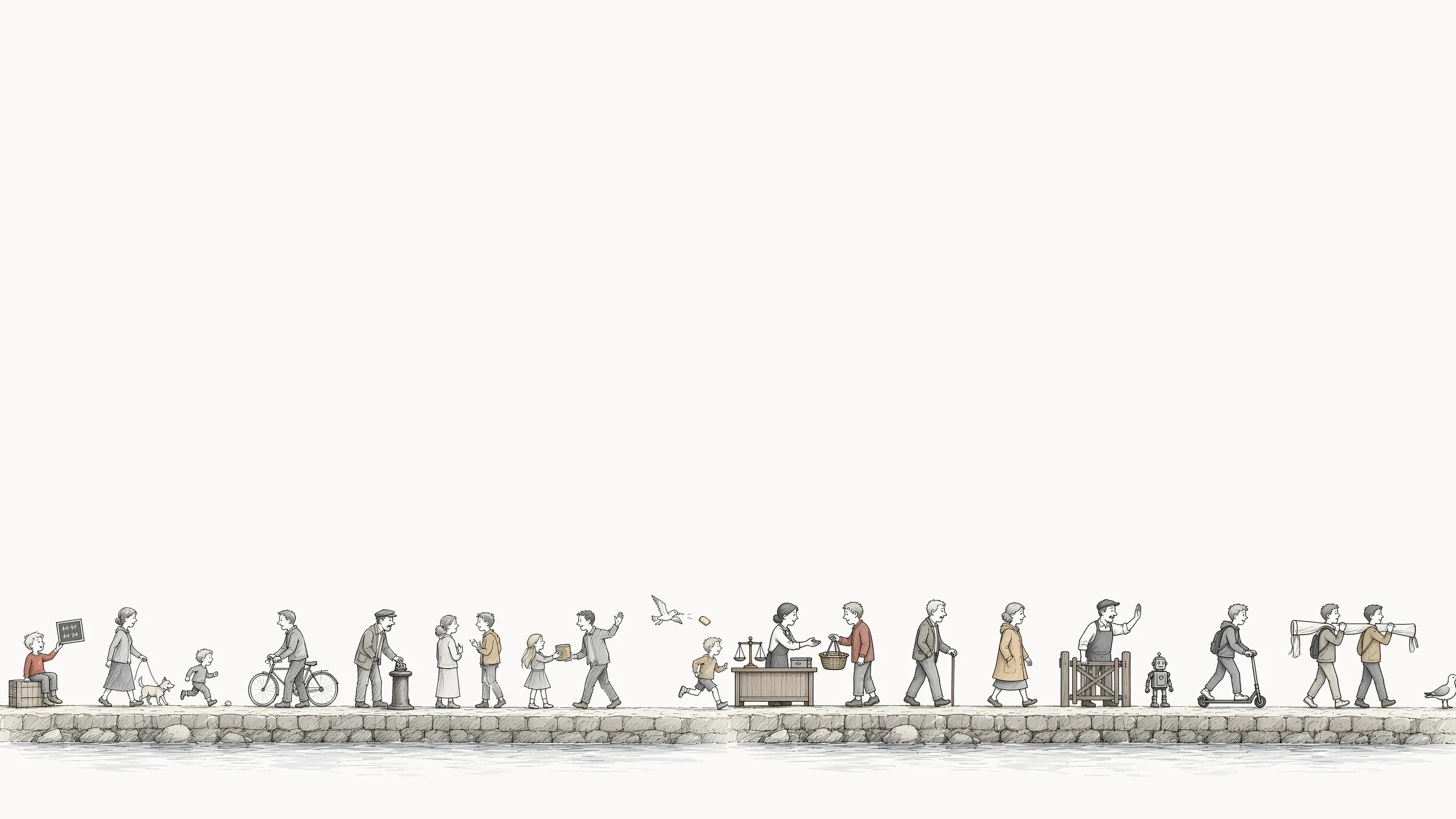
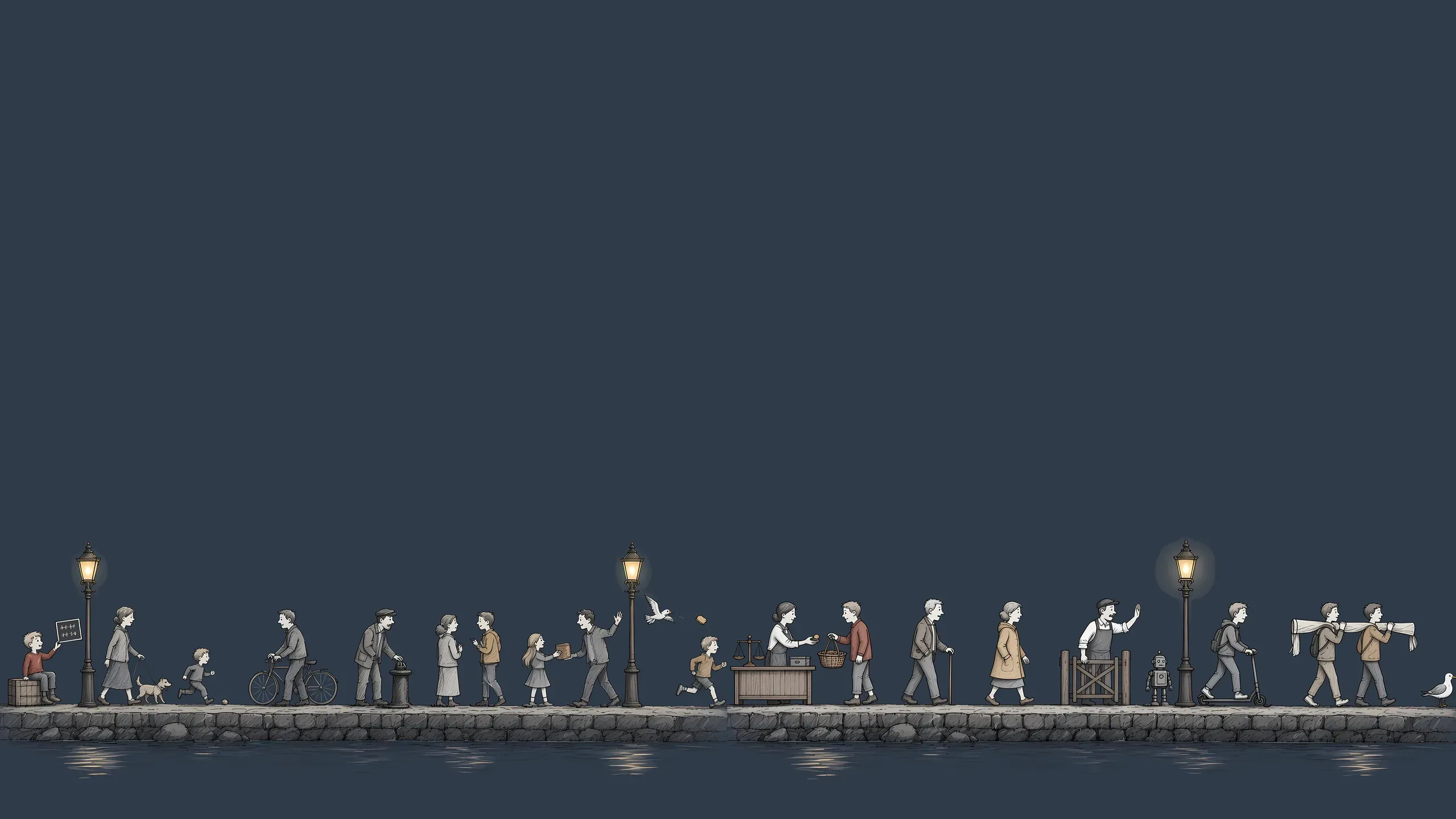
Four Åland scenes for your desktop. The illustrations from around this site, drawn out to 5K. Each one is a dynamic HEIC that follows macOS light and dark mode, with flat PNGs for everything else. Free, in exchange for your email.

Day and night. Flip between them here; the HEIC does it on its own.

The quay. wallpaper, lightThe quay. wallpaper, dark

The quay. The hero frieze, standing still. Every tiny person on the quay is doing analytics: tallying, weighing, filtering the bots at the gate. At night the lamps come on and nobody moves an inch.

The coast. wallpaper, lightThe coast. wallpaper, dark

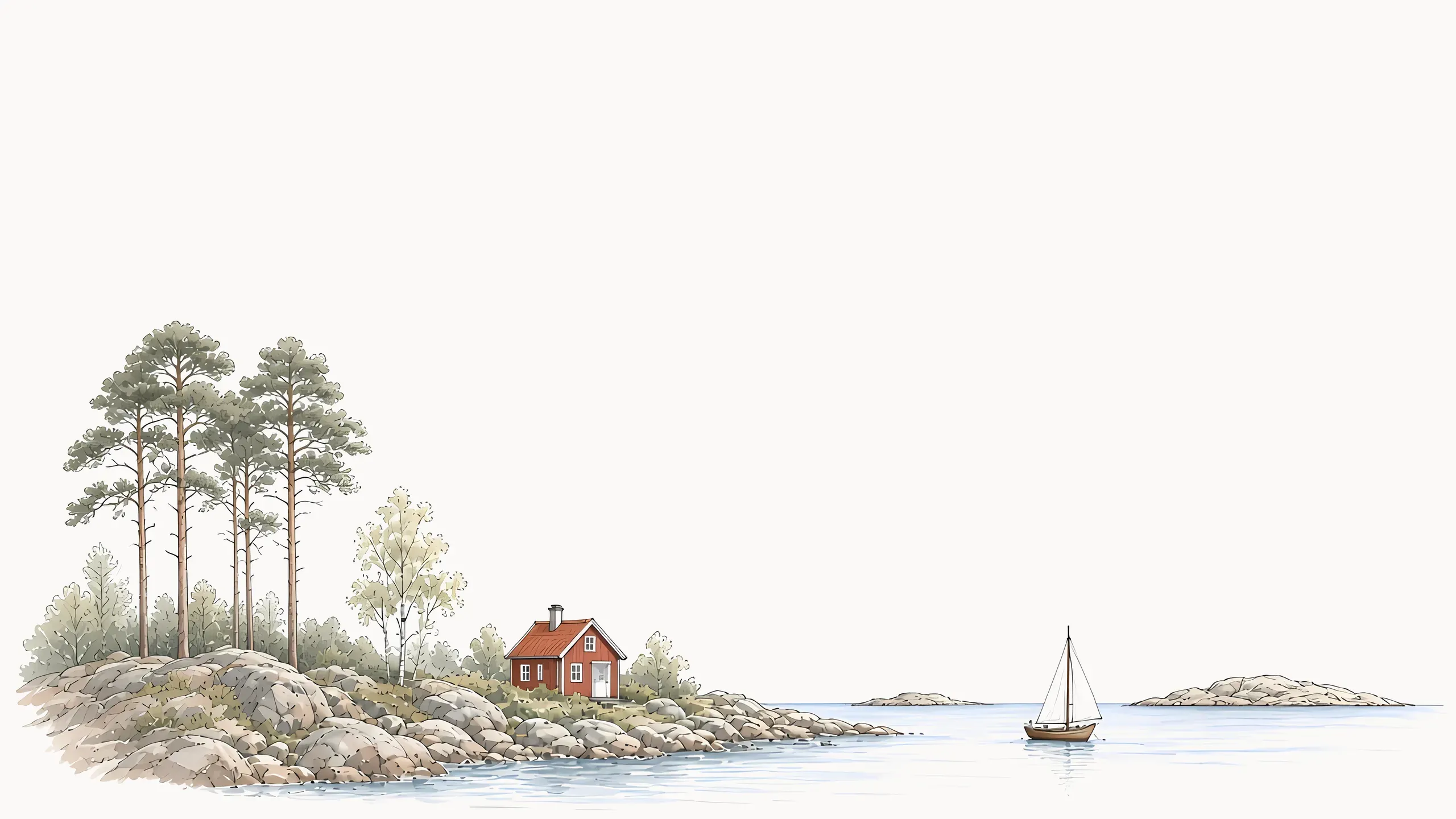
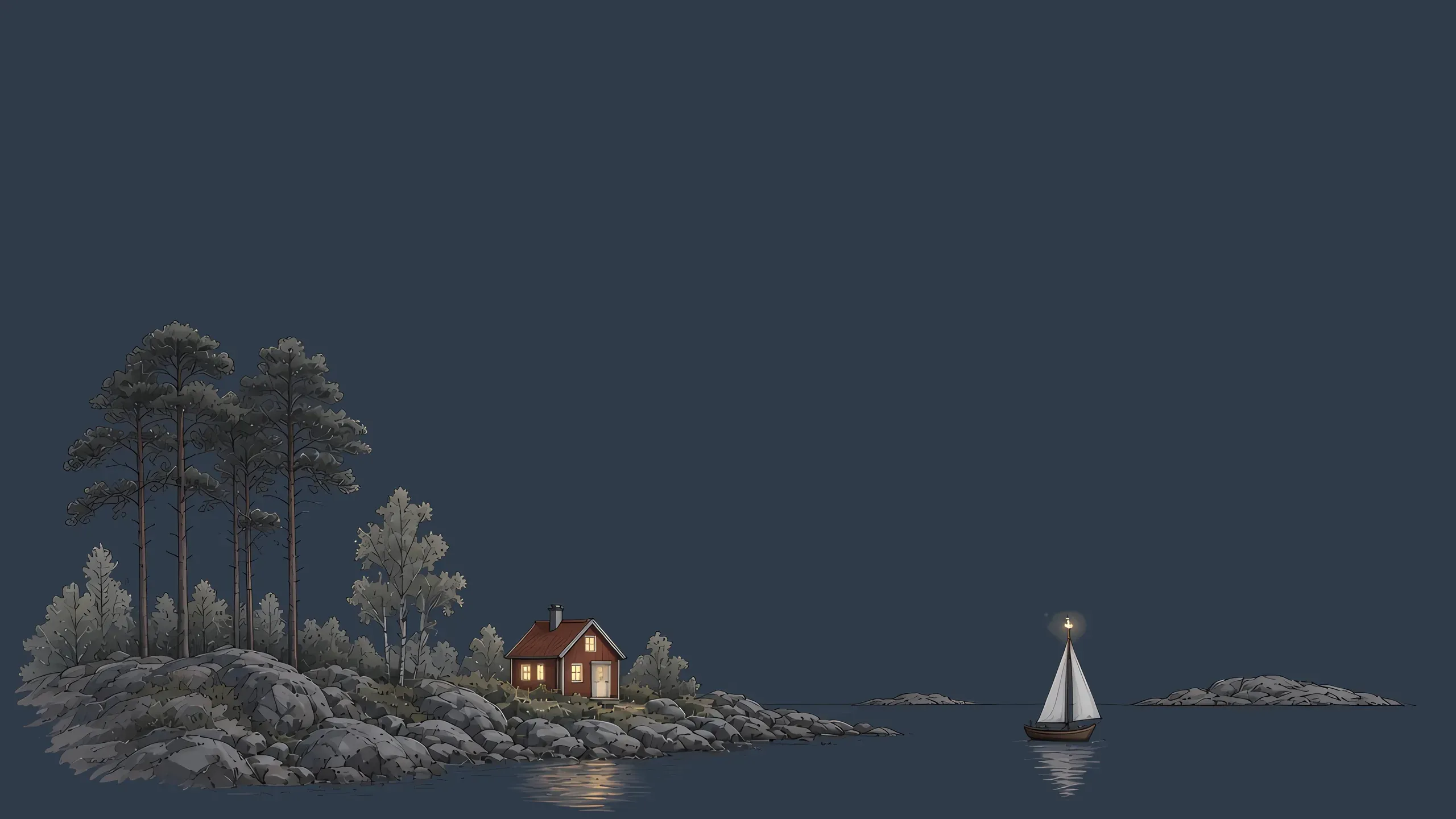
The coast. Pines on a granite shore, one red cottage, and a sailboat passing a skerry. After dark the cottage window and the masthead light are the only things awake.

The harbour. wallpaper, lightThe harbour. wallpaper, dark

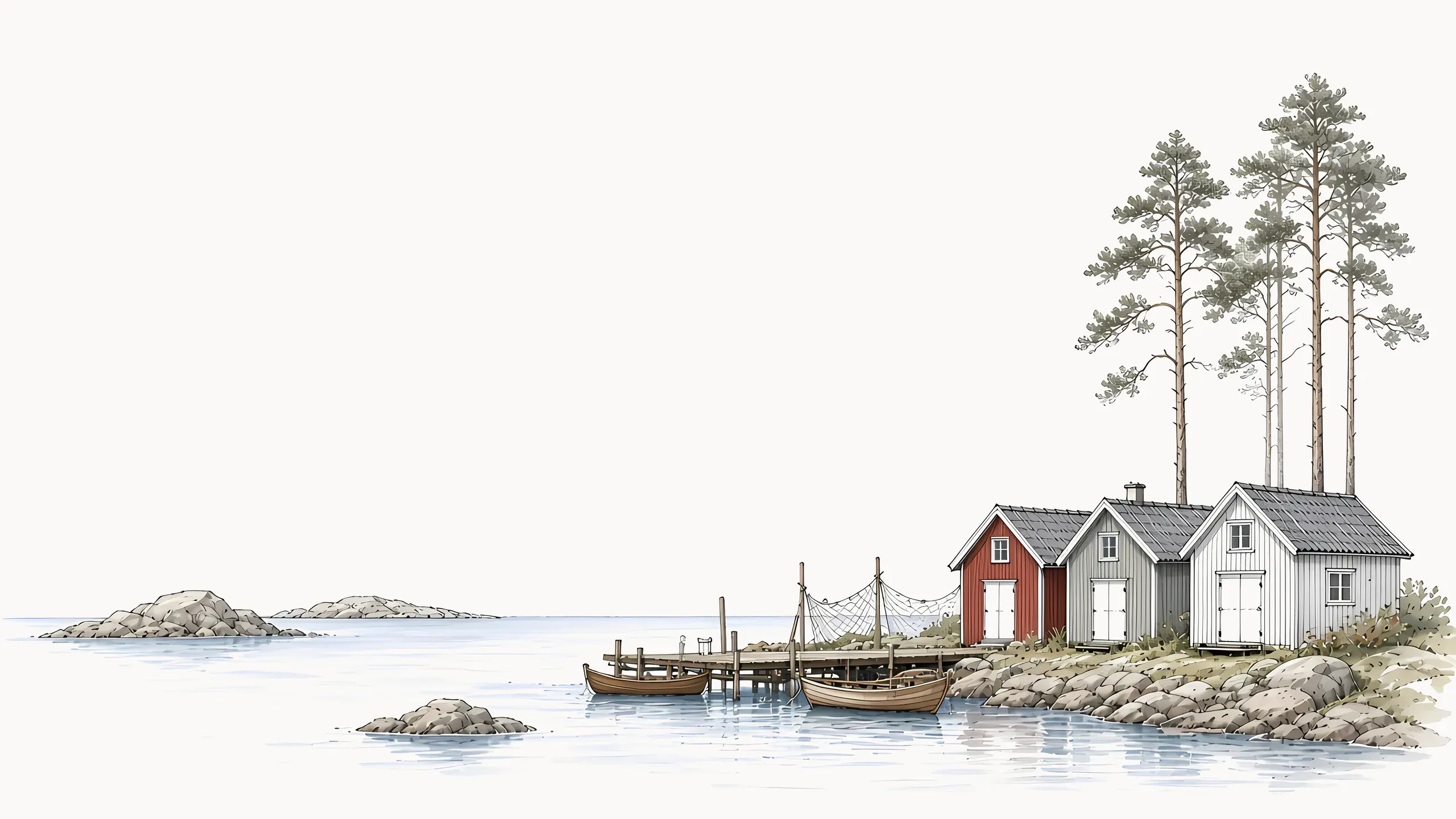
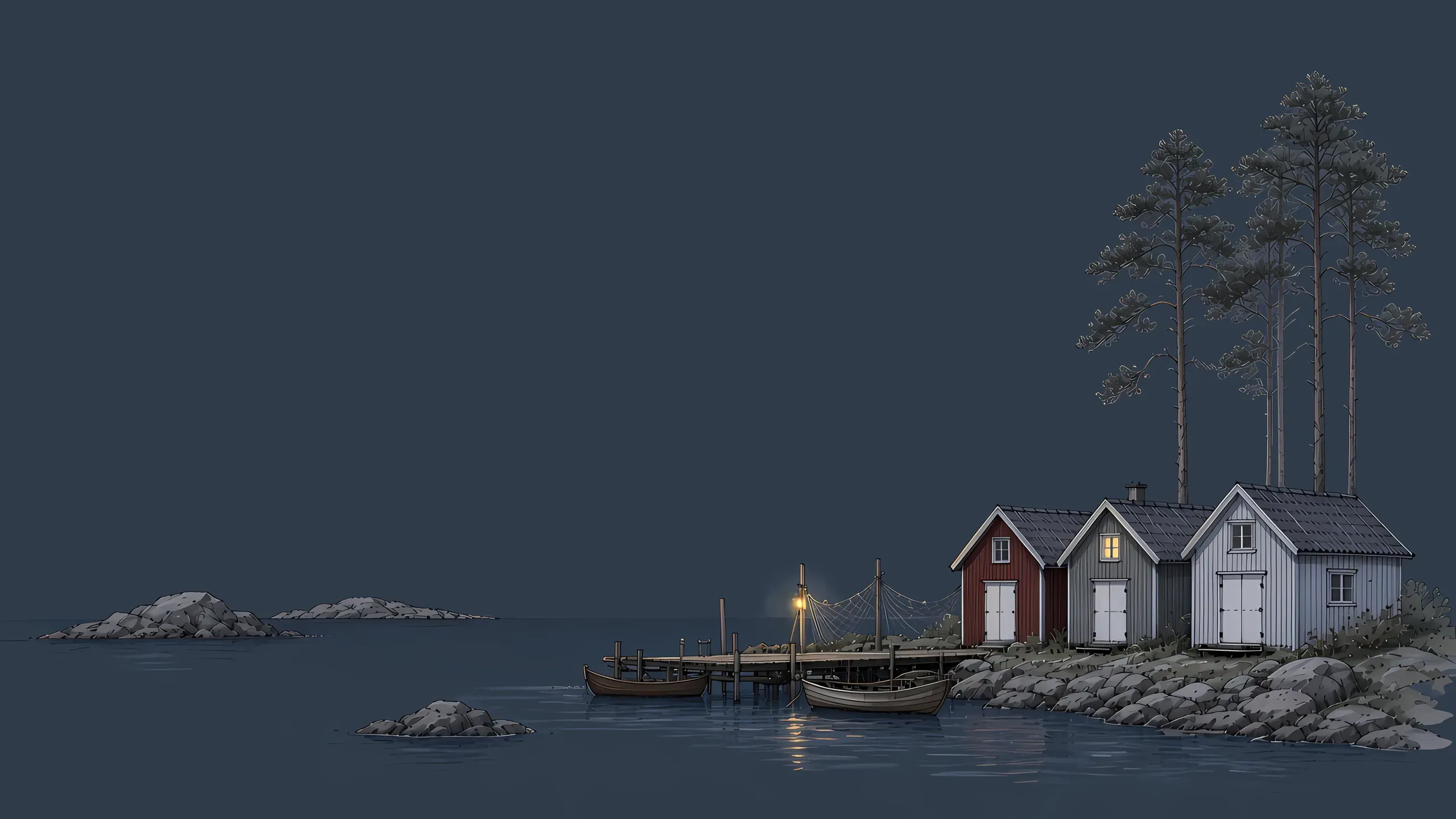
The harbour. Three boathouses and a jetty at the edge of open water, boats tied up for the evening. A single lamp on the jetty for the dark version.

The village. wallpaper, lightThe village. wallpaper, dark

The village. The footer scene: a handful of houses on a rocky islet, ochre, grey, and Falu red, with a rowing boat below. Lit windows and their reflections at night.
Twelve files, one zip. Four dynamic HEICs and the light and dark PNG behind each one. No watermark, no account, use them wherever you like.

  • 5120 × 2880, 16:9. Made for 5K displays like the Studio Display and iMac, and scales cleanly down to 4K, QHD, and every MacBook.
  • Dynamic HEIC. One file per scene that follows macOS appearance: the light frame by day, the night frame in Dark Mode, with no jump in the drawing.
  • Flat PNGs too. Light and dark versions of each scene as plain PNGs for Windows, Linux, iPad, or if you want to pin one look.
  • Free, for an email. Delivered through Polar. You get the zip and an occasional note when Kobbe ships something; unsubscribe any time.

Installing on macOS. The HEIC carries both frames. Once it is set to Dynamic, macOS switches them together with your appearance, including Auto.

  1. 1.Unzip the download and open the Dynamic (HEIC) folder.
  2. 2.Open System Settings, then Wallpaper, and click Add Photo, or drag the HEIC straight onto the desktop preview.
  3. 3.Pick Dynamic in the menu next to the preview. macOS now swaps light and dark with your appearance setting.