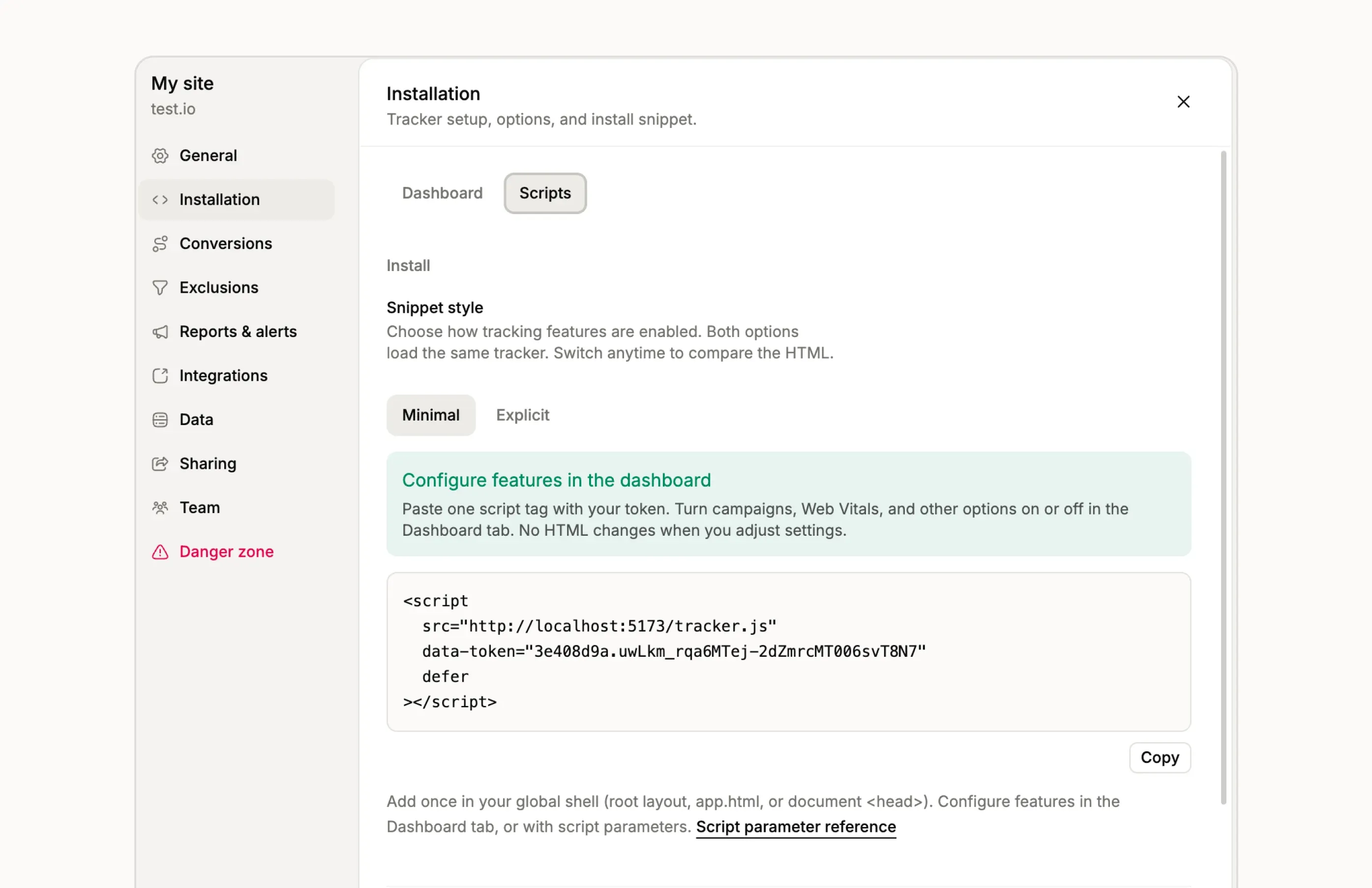
Your site token, always right where you install it
Before, creating a site dropped you on an empty dashboard and the token showed up in a separate banner that was easy to miss. Worse, it was shown exactly once: close the tab without copying and the only way back was rotating a token you had held for about two seconds.
That hiding never made much sense. A site token is public by design, it sits in the HTML of every page you track, so keeping it secret from you in the dashboard protected nothing.
Now, creating a site takes you straight to Installation → Scripts. The install script already contains your token, and it stays there: reload, come back next week, open it from another device, the snippet is always ready to copy. Rotating a token works the same way, with the new value swapped into the script.
Tokens created before today were only stored as hashes, so for those sites the snippet still shows a TOKEN stand-in. If your existing install works, leave it alone. If you want the token visible in Settings, rotate it once and update your snippet; from then on it stays put.